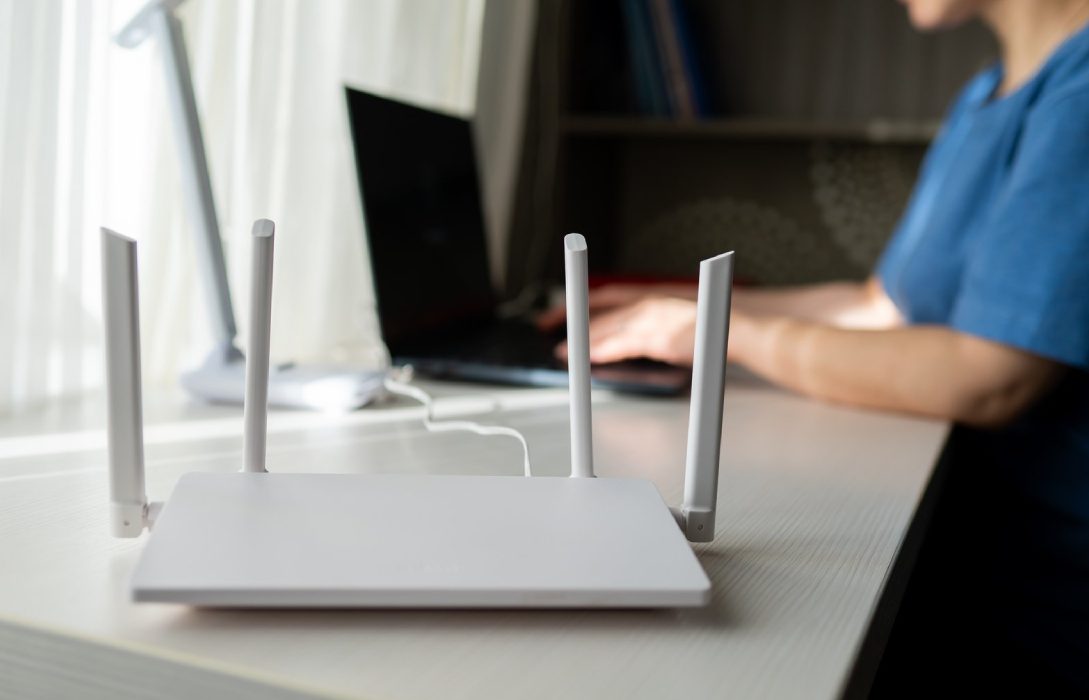
Internet speed is a key aspect of modern connectivity, but many users notice that speeds can fluctuate or fail to meet expectations. Understanding the factors that affect internet speed is essential for troubleshooting issues, optimizing your home network, and choosing the right internet plan. Let’s explore the main elements that influence how fast your internet connection really is.
1. Type of Internet Connection
The type of internet service you use has a significant impact on speed:
- DSL (Digital Subscriber Line): Speeds usually range from 5–35 Mbps. Distance from the ISP’s central office affects performance.
- Cable Internet: Offers 25–500 Mbps. Speeds can fluctuate during peak usage because bandwidth is shared with neighbors.
- Fiber-Optic Internet: Delivers 100 Mbps to 10 Gbps with symmetrical upload and download speeds. Low latency and high reliability.
- Satellite Internet: Speeds range from 25–250 Mbps, but high latency and weather sensitivity affect performance.
- 5G Home Internet: Wireless, fast, and low-latency in areas with strong coverage, but performance can vary depending on distance from 5G towers.
2. Network Congestion
Network congestion occurs when multiple users are online simultaneously, either in your home or across your ISP’s network:
- Peak usage hours (typically evenings) can slow down speeds.
- Shared infrastructure in apartment complexes or neighborhoods can create bottlenecks.
Tip: Higher-tier internet plans or fiber connections can mitigate congestion issues.
3. WiFi Interference and Signal Strength
WiFi signals can be disrupted by:
- Physical obstacles like walls and furniture
- Competing WiFi networks in your area
- Other electronic devices such as microwaves and cordless phones
Solution: Use dual-band routers (2.4 GHz and 5 GHz), position the router centrally, and consider mesh networks for large homes.
4. Router and Hardware Limitations
Your internet speed depends heavily on the quality of your router and connected devices:
- Older routers may not support modern WiFi standards or high-speed broadband.
- Devices with outdated network cards can reduce effective speed.
- Overloaded routers can overheat and cause temporary slowdowns.
Solution: Upgrade to WiFi 6/7 compatible routers and ensure proper placement with good ventilation.
5. Bandwidth-Hungry Applications
Some applications consume large amounts of bandwidth, affecting overall speed:
- Streaming HD or 4K videos
- Online gaming
- Cloud backups and large file uploads/downloads
- Peer-to-peer sharing and torrenting
Tip: Use router management tools or QoS (Quality of Service) settings to prioritize important activities.
6. Distance from ISP Server
The farther your data has to travel, the slower the effective speed may be:
- DSL is particularly sensitive to distance from the central office.
- Satellite and wireless connections are affected by signal path and tower distance.
Solution: Fiber and cable connections minimize the impact of distance, providing more consistent speeds.
7. ISP Throttling
Some ISPs intentionally limit certain types of traffic during high-usage periods:
- Streaming services, torrent downloads, or gaming can be throttled.
- Users may notice fluctuations in speed depending on the time of day.
Tip: Monitor speeds, compare with your plan’s advertised limits, and contact your ISP if throttling is suspected.
8. Malware and Device Performance
Malware, background apps, or excessive browser extensions can consume bandwidth and reduce speed:
- Slowdowns may appear even if the internet plan is high-speed.
- Background updates from operating systems and apps can temporarily affect performance.
Tip: Keep devices clean, updated, and free from malware. Monitor network usage regularly.
9. Weather and Environmental Factors
Certain types of connections, especially satellite and wireless, can be affected by environmental conditions:
- Heavy rain, storms, or snow can degrade satellite signals
- Electromagnetic interference can impact wireless speeds
Solution: Consider backup wired or 5G connections for critical tasks in areas prone to weather disruptions.
10. Time of Day and User Behavior
Peak usage hours, household routines, and simultaneous device activity all influence speed:
- Families streaming movies and gaming during evenings experience slower speeds.
- Early morning or late-night usage often sees faster, more consistent connections.
Tip: Schedule downloads, updates, and heavy internet use during off-peak hours when possible.
Conclusion
Internet speed is influenced by a combination of connection type, network congestion, WiFi signal strength, hardware limitations, bandwidth-heavy applications, ISP practices, distance, and environmental factors. Understanding these elements helps you troubleshoot slowdowns, optimize your home network, and select the best plan for your needs.
By addressing the key factors that affect speed—upgrading hardware, managing bandwidth, and monitoring network performance—you can ensure a fast, reliable, and seamless online experience for work, gaming, streaming, and daily browsing.