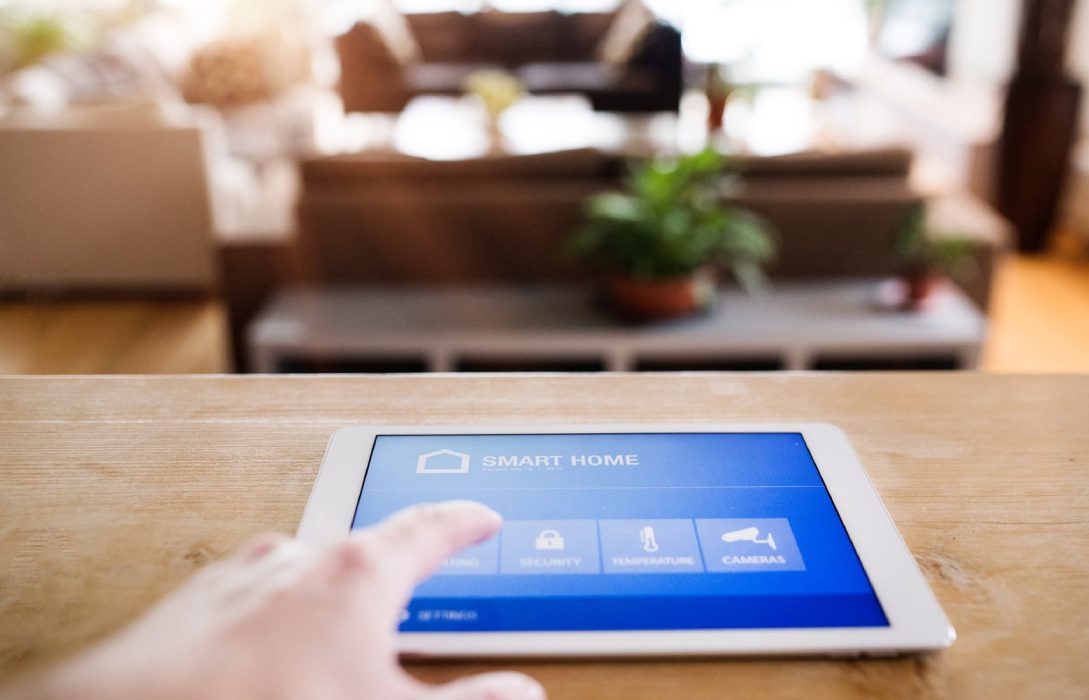
Smart homes are becoming increasingly popular, but all those devices—thermostats, cameras, smart lights, and appliances—can put a strain on your internet network. Optimizing your internet for smart homes ensures fast, reliable, and secure connectivity for every device.
1. Understand Your Smart Home Network Needs
- Smart homes have multiple devices connected simultaneously
- Each device consumes bandwidth differently:
- Cameras and streaming devices need higher upload/download speeds
- Smart lights and sensors consume minimal bandwidth
- Assess your total bandwidth requirements to avoid network congestion
2. Choose the Right Internet Plan
- Select a plan with sufficient download and upload speeds for all devices
- For homes with security cameras, 4K streaming, and remote work, a fiber-optic plan is ideal
- Consider symmetrical speeds to ensure smooth uploads from cameras or cloud storage
3. Upgrade Your Router
- Use modern routers supporting WiFi 6 or WiFi 6E for better device management
- Multi-device support (MU-MIMO) ensures simultaneous connections without slowdown
- Routers with QoS allow prioritization for high-bandwidth smart home devices
4. Optimize Router Placement
- Place the router centrally in your home
- Avoid walls, metal objects, or electronic interference
- Elevate router to maximize WiFi coverage
- For large homes, consider mesh WiFi systems to cover every corner
5. Separate Networks for Smart Devices
- Create a dedicated network for smart home devices
- Keeps bandwidth available for high-demand devices like PCs and streaming devices
- Enhances security by isolating IoT devices from main network
6. Secure Your Smart Home Network
- Change default router passwords
- Enable WPA3 encryption if supported
- Regularly update router firmware and smart device software
- Use guest networks for visitors or temporary devices
7. Prioritize Critical Devices with QoS
- Assign higher priority to devices like:
- Security cameras
- Video conferencing devices
- Gaming consoles
- Lower priority for smart lights or thermostats that do not need constant high-speed connections
8. Reduce Interference
- Many smart devices operate on 2.4 GHz, which is more prone to interference
- Use 5 GHz for high-speed devices
- Avoid placing routers near microwaves, cordless phones, or metal objects
9. Monitor Your Network
- Use router apps or tools to check device usage
- Identify devices consuming excessive bandwidth
- Ensure all devices are operating efficiently
10. Plan for Expansion
- Smart homes grow over time—new devices require more bandwidth
- Upgrade plans, routers, or add mesh nodes as needed
- Future-proofing ensures smooth performance for all current and future devices
11. Additional Tips
- Disable unnecessary background updates on smart devices
- Limit streaming or high-bandwidth activities during peak usage
- Regularly reboot the router to maintain optimal performance
Conclusion
Optimizing internet for smart homes is crucial to ensure speed, reliability, and security. Key strategies:
- Choose the right plan and modern router
- Centralize and optimize router placement
- Separate networks and prioritize devices with QoS
- Monitor network usage and plan for future expansion
By following these tips, your smart home can run efficiently, providing seamless connectivity for security, entertainment, and automation, without compromising speed or performance.
Visited 9 times, 1 visit(s) today