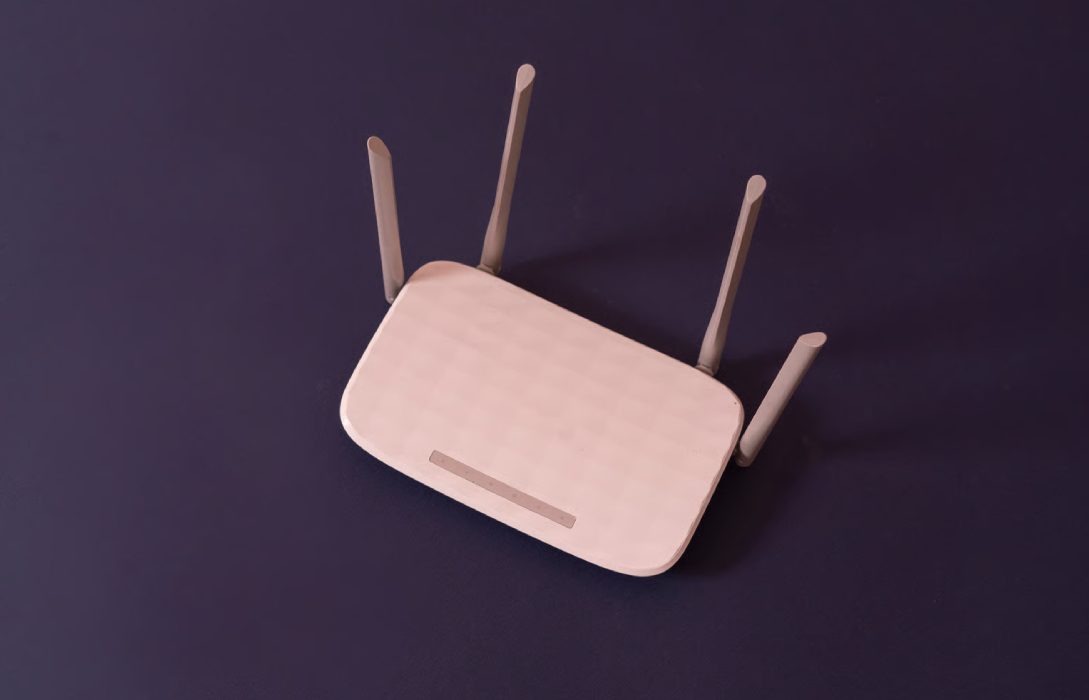
WiFi 6, also known as 802.11ax, is the latest WiFi standard, offering faster speeds, better coverage, and improved performance for multiple devices. With the rise of smart homes, 4K streaming, gaming, and remote work, WiFi 6 routers have become essential for modern households.
This guide explains WiFi 6 routers, their benefits, features, and why upgrading is worth it.
Step 1: What is WiFi 6?
- Next-generation WiFi technology succeeding WiFi 5 (802.11ac)
- Designed for high device density environments, supporting more devices without slowing down
- Offers faster speeds, lower latency, and better energy efficiency for connected devices
Tip: WiFi 6 is ideal for homes with multiple devices, smart home gadgets, and high-bandwidth usage.
Step 2: Key Features of WiFi 6 Routers
- OFDMA (Orthogonal Frequency Division Multiple Access):
Splits channels efficiently for multiple devices, reducing congestion - MU-MIMO (Multi-User, Multiple Input, Multiple Output):
Supports multiple devices simultaneously - 1024-QAM Modulation:
Increases data throughput for faster speeds - Target Wake Time (TWT):
Optimizes battery usage for devices like smartphones and IoT gadgets
Tip: WiFi 6 routers are optimized for speed, efficiency, and multi-device performance.
Step 3: Benefits of WiFi 6 Routers
- Faster Speeds: Ideal for 4K streaming, large file transfers, and gaming
- Lower Latency: Reduced lag for online gaming and video calls
- Better Coverage: Improved signal strength across larger homes
- More Devices: Handles dozens of connected devices without slowdowns
- Energy Efficiency: Extends battery life for smartphones and IoT devices
Tip: WiFi 6 routers future-proof your home network for years to come.
Step 4: WiFi 6 vs WiFi 5
| Feature | WiFi 5 | WiFi 6 |
|---|---|---|
| Max Speed | 3.5 Gbps | 9.6 Gbps |
| Device Capacity | Moderate | High |
| Latency | Higher | Lower |
| Efficiency | Standard | OFDMA + MU-MIMO |
| Coverage | Good | Better, especially in dense environments |
Tip: WiFi 6 is a significant upgrade for busy homes and tech-heavy households.
Step 5: Choosing the Right WiFi 6 Router
- Coverage Needs: Single-floor vs multi-story homes
- Device Load: Number of devices connected simultaneously
- Speed Requirements: Match with your ISP plan
- Advanced Features: Gaming mode, parental controls, security features
- Budget: WiFi 6 routers range from affordable to high-end options
Tip: A WiFi 6 router should balance speed, coverage, features, and price for your specific home setup.
Step 6: Placement Tips for WiFi 6 Routers
- Place the router centrally for even coverage
- Avoid placing near thick walls, metal, or electronics that interfere with signals
- Elevate the router for better reach
- For large homes, consider mesh WiFi 6 systems to eliminate dead zones
Tip: Proper placement ensures you get the full benefits of WiFi 6 speeds.
Step 7: Security Features of WiFi 6 Routers
- WPA3 encryption for maximum security
- Guest networks for visitors to prevent unauthorized access
- Parental controls to manage children’s online activity
- Automatic firmware updates for enhanced protection
Tip: Security is critical to protect your smart home devices and sensitive information.
Step 8: Advanced Features of WiFi 6 Routers
- Tri-Band Support: Reduces congestion for high-device households
- Smart Home Integration: Seamless connectivity for IoT devices
- Traffic Prioritization (QoS): Prioritizes gaming, streaming, or work devices
- App-Based Management: Monitor, optimize, and control your network easily
Tip: Advanced features enhance convenience and network performance for modern homes.
Step 9: Future-Proofing Your Network
- WiFi 6 ensures compatibility with the latest devices
- Supports high-bandwidth applications like 4K/8K streaming, cloud gaming, and video conferencing
- Reduces the need for frequent router upgrades in the near future
Tip: Investing in WiFi 6 protects your home network against future connectivity demands.
Conclusion
WiFi 6 routers provide faster speeds, better coverage, and improved performance for modern households. With support for multiple devices, advanced features, and improved efficiency, they are the ideal choice for gaming, streaming, remote work, and smart homes.
Upgrading to a WiFi 6 router ensures a reliable, secure, and future-ready network capable of handling all your devices and internet activities with ease.