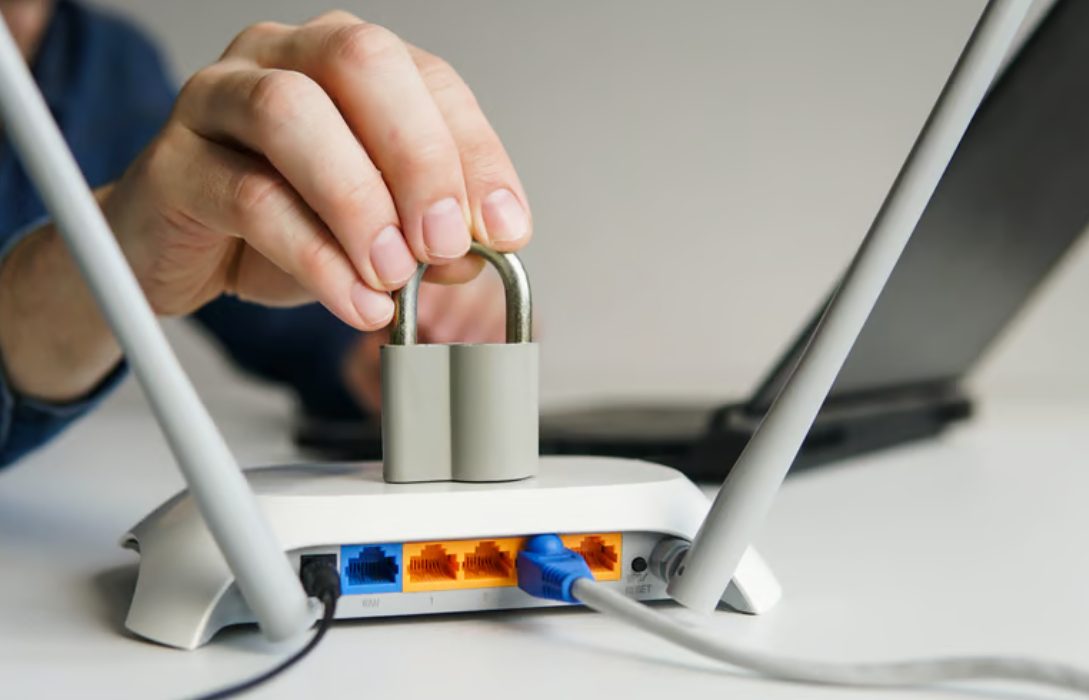
Unauthorized access to your WiFi network can lead to slower speeds, stolen personal data, and potential cyberattacks. Protecting your home network ensures that only trusted devices can connect, keeping your internet fast and secure.
1. Why Unauthorized Access Is a Risk
When someone connects to your WiFi without permission, it can:
- Steal sensitive information such as passwords and banking details
- Use your bandwidth, slowing down your internet
- Introduce malware that can infect devices on the network
- Access connected devices, including smart home gadgets
Preventing unauthorized access is crucial to maintain security and performance.
2. Use a Strong WiFi Password
- Create a complex, unique password combining letters, numbers, and symbols
- Avoid common passwords like “12345678” or personal information
- Change your WiFi password regularly, especially after guests leave
A strong password is the first and most effective defense against intruders.
3. Enable WPA2 or WPA3 Encryption
- WPA3 is the latest and most secure encryption method
- If WPA3 is not available, use WPA2 with AES encryption
- Avoid WEP or WPA with TKIP, which are easily compromised
Encryption ensures that even if someone intercepts your signal, they cannot read your data.
4. Hide Your Network (SSID)
- By default, your WiFi network name (SSID) is visible to nearby devices
- Hiding the SSID makes your network less noticeable to potential intruders
- Devices can still connect if they know the exact network name
5. Limit Device Connections
- Most routers allow you to see connected devices
- Regularly review the list and remove unknown devices
- Some routers let you limit the number of devices connected simultaneously
6. Use a Guest Network for Visitors
- Keep a separate network for guests to prevent access to your main network
- Encrypt the guest network with WPA2 or WPA3
- Assign a different password for added security
7. Disable WPS (WiFi Protected Setup)
- WPS makes it easier to connect devices but can be exploited by hackers
- Turn off WPS in your router settings
- Use manual password entry for all devices instead
8. Enable MAC Address Filtering
- MAC filtering allows only specific devices to connect to your network
- Each device has a unique MAC address that can be whitelisted
- This adds an extra layer of protection, though it is not foolproof
9. Keep Firmware Updated
- Router updates often include security patches
- Regular firmware updates fix vulnerabilities that could allow unauthorized access
- Enable automatic updates if your router supports it
10. Monitor Your Network Regularly
- Use your router or monitoring tools to check connected devices
- Look for unusual activity, such as unknown devices or unusual bandwidth usage
- Immediate action can prevent further compromise
11. Disable Remote Management
- Remote management allows access to your router from the internet
- Disable this feature unless absolutely necessary
- Prevents hackers from accessing router settings remotely
Conclusion
Preventing unauthorized WiFi access is critical for a fast, secure, and reliable home network. Key measures include:
- Setting a strong WiFi password
- Enabling WPA2 or WPA3 encryption
- Hiding your SSID and limiting device connections
- Using guest networks, MAC filtering, and disabling WPS
- Regularly updating firmware and monitoring devices
By following these steps, you ensure that only trusted users have access to your network, keeping your personal data and devices safe.