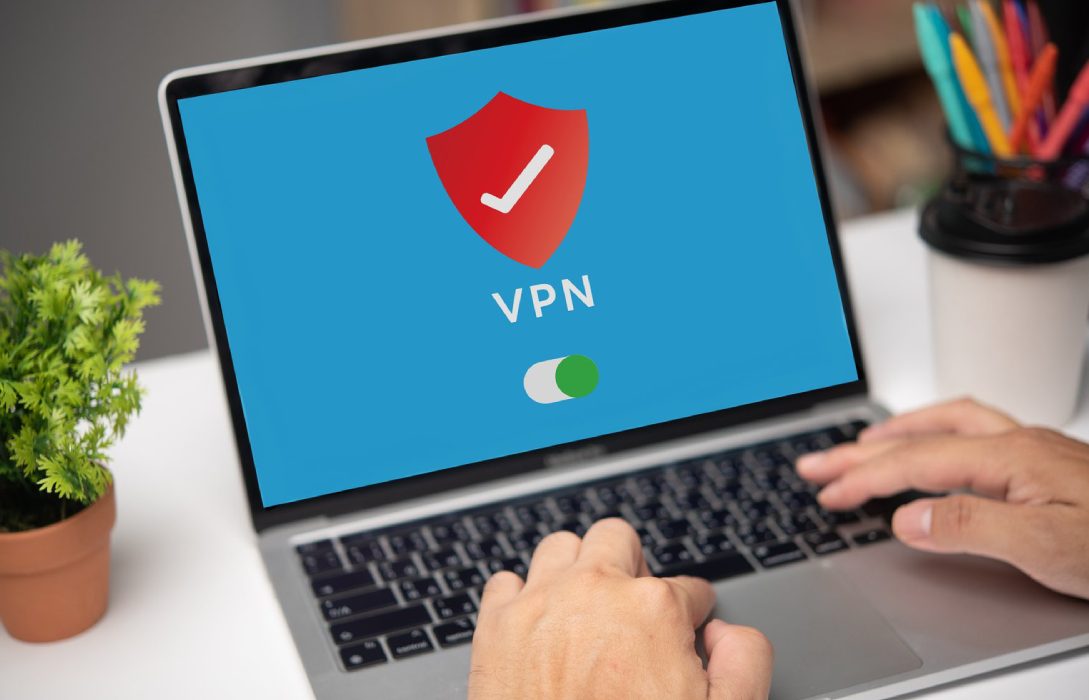
A VPN (Virtual Private Network) is a powerful tool that adds an extra layer of security and privacy to your home network. It encrypts your internet traffic, hides your IP address, and protects your data from hackers, ISPs, and other prying eyes.
1. What Is a VPN?
A VPN creates a secure, encrypted tunnel between your devices and the internet. This tunnel prevents outsiders from intercepting or accessing your online activity. Key benefits include:
- Enhanced privacy: Your IP address is hidden
- Encrypted traffic: Prevents hackers from reading your data
- Bypass restrictions: Access region-locked content safely
- Protection on public WiFi: Secures devices outside your home network
2. Why Use a VPN at Home?
Even on a secured home network, a VPN provides added protection:
- Prevents ISP monitoring: ISPs often track online activity for data collection or throttling
- Blocks cyberattacks: Protects against potential threats from compromised websites or ads
- Secures smart home devices: Encrypts data from devices like cameras, thermostats, and voice assistants
- Safe remote access: Ensures secure connections for remote work
3. Choosing the Right VPN for Your Home
When selecting a VPN, consider the following:
- Strong encryption protocols: Look for OpenVPN, WireGuard, or IKEv2
- No-log policy: Ensure the provider does not store user activity
- Multiple device support: Protects smartphones, laptops, smart TVs, and IoT devices
- Speed and reliability: Minimal impact on your internet performance
- Server locations: Offers global servers for flexibility and bypassing geo-restrictions
4. Setting Up a VPN on Your Router
Installing a VPN on your router protects all devices connected to your network, even those that don’t support VPN apps. Steps include:
- Check if your router supports VPN connections
- Sign up with a trusted VPN provider
- Enter VPN credentials in the router’s VPN settings
- Save and restart your router
All devices connected to the router will now automatically use the VPN.
5. Benefits of a Router-Based VPN
- Protects smart devices that cannot run VPN software individually
- Covers all network traffic without manual setup on each device
- Provides consistent privacy and security for your entire home network
6. Using VPN Software on Individual Devices
- VPN apps are available for computers, smartphones, and tablets
- Offers flexibility if router installation is not possible
- Allows switching between servers and regions for content access
7. VPN and Online Gaming
- VPNs can protect against DDoS attacks during online gaming
- Choose a VPN with low-latency servers to prevent lag
- Some VPNs may slightly reduce speed, so pick a provider optimized for gaming
8. Common Misconceptions About VPNs
- VPNs are not a replacement for strong passwords: They complement other security measures
- VPNs do not make you invisible: They enhance privacy but cannot prevent all attacks
- Free VPNs may be risky: Some free VPNs log user data or inject ads
9. Additional Tips for VPN Use at Home
- Combine VPN with strong WiFi passwords and WPA3 encryption
- Update VPN software regularly to patch vulnerabilities
- Educate household members on safe online behavior
- Monitor VPN connections to ensure all devices are protected
10. Conclusion
A VPN is an essential tool for securing your home network. It encrypts traffic, hides your IP address, and protects connected devices. Key takeaways:
- Choose a VPN with strong encryption and a no-log policy
- Consider router-based VPNs for full network coverage
- Use VPNs in combination with strong WiFi security measures
- Monitor and update VPN software regularly
With these strategies, your home network becomes more private, secure, and resilient against cyber threats, giving you peace of mind in the digital age.