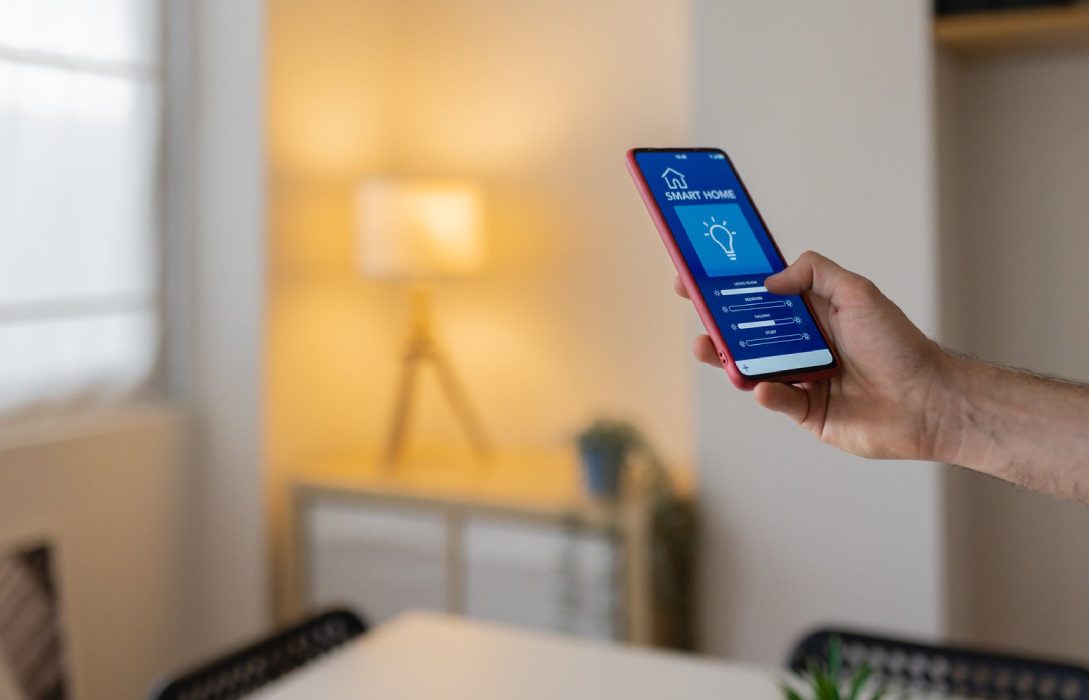
Smart home devices—like cameras, thermostats, voice assistants, and smart lights—make life more convenient, but they also introduce security risks. Protecting these devices is essential to prevent unauthorized access, data breaches, and potential cyberattacks.
1. Why Smart Home Devices Need Protection
Unlike traditional devices, smart home gadgets are always connected to the internet. Risks include:
- Unauthorized access: Hackers can control devices or monitor activity
- Data theft: Sensitive information like voice recordings, video feeds, or usage patterns may be stolen
- Network vulnerability: Compromised devices can serve as entry points to other devices
- Privacy concerns: Smart devices often collect personal data
2. Use Strong, Unique Passwords
- Each device should have a unique password
- Avoid default passwords provided by manufacturers
- Passwords should be complex, mixing letters, numbers, and symbols
- Regularly update passwords to enhance security
3. Enable Two-Factor Authentication (2FA)
- Many smart devices offer 2FA
- Adds an extra layer of security beyond passwords
- Requires verification via phone, email, or authentication app before accessing the device
4. Keep Devices Updated
- Regular updates patch vulnerabilities and improve security
- Enable automatic updates if available
- Outdated devices are easier targets for hackers
5. Use a Separate Network for Smart Devices
- Place smart devices on a guest network or VLAN
- Keeps IoT devices isolated from computers and smartphones
- Limits damage if a device is compromised
6. Enable Firewalls and Security Features
- Use your router’s firewall to block unauthorized traffic
- Disable unnecessary services like remote access unless needed
- Use VPNs to encrypt traffic for smart devices
7. Monitor Device Activity
- Check logs or activity reports to detect unusual behavior
- Look for unexpected logins or devices accessing your network
- Take immediate action if suspicious activity is detected
8. Disable Unnecessary Features
- Turn off features not actively used, like voice recognition or remote access
- Reduces the attack surface for hackers
- Only enable features when necessary
9. Secure Voice Assistants
- Limit access to sensitive commands
- Disable features like voice purchasing without confirmation
- Regularly review voice recordings and delete unnecessary data
10. Educate Household Members
- Make sure everyone understands smart device security
- Avoid sharing passwords or connecting unknown devices
- Discuss safe usage of devices connected to the network
11. Backup and Recovery
- Some devices allow backing up settings and data
- Ensure you have recovery options in case a device is compromised
- Restore factory settings before selling or disposing of a smart device
12. Combine With Overall Network Security
- Strong WiFi passwords and WPA3 encryption
- Firewall protection and VPN usage
- Regular network monitoring
- These measures protect both smart devices and other connected equipment
Conclusion
Protecting smart home devices is crucial for maintaining privacy, security, and network integrity. Key takeaways:
- Use strong, unique passwords and enable 2FA
- Keep devices updated and disable unnecessary features
- Isolate smart devices on a separate network
- Monitor activity and educate household members
By following these steps, your smart home devices remain secure and reliable, allowing you to enjoy their convenience without compromising safety.
Visited 9 times, 1 visit(s) today