

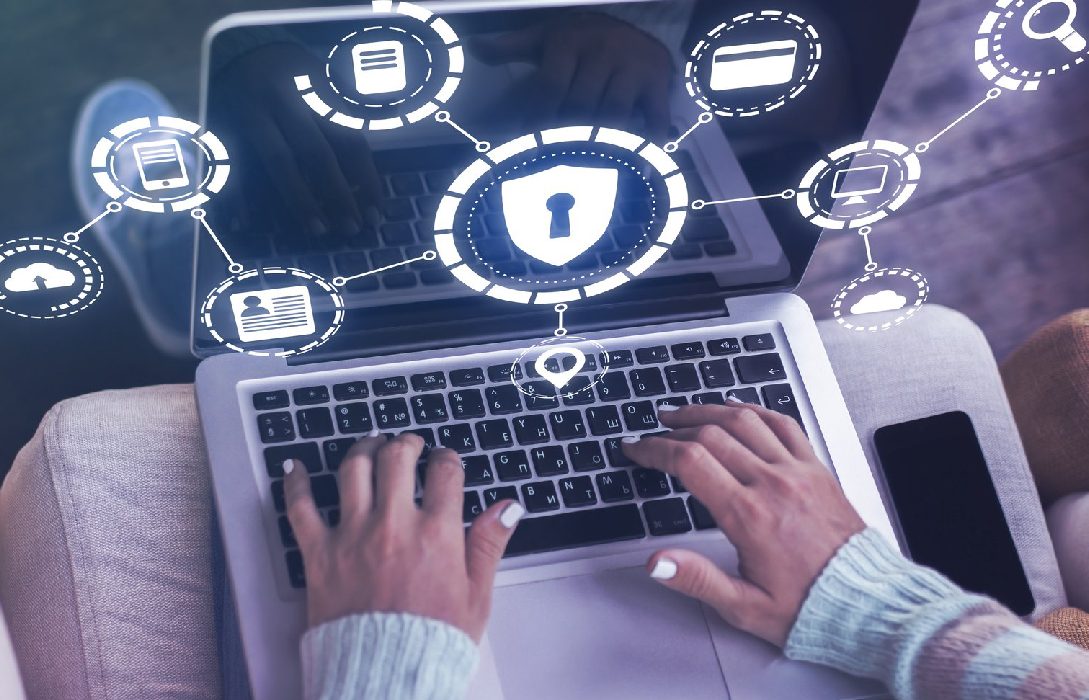
In today’s connected world, data breaches can happen not just to companies, but also to home networks. Personal information, financial data, and private files are all at risk if proper precautions aren’t taken. Preventing data breaches at home ensures your sensitive information remains safe.
1. What Is a Data Breach?
A data breach occurs when unauthorized individuals access your personal information. This could include:
- Financial details (bank accounts, credit cards)
- Login credentials (email, social media, streaming accounts)
- Personal files (photos, documents, videos)
- Smart home device data (cameras, voice assistants, sensors)
Breaches often happen due to weak passwords, outdated software, unsecured networks, or phishing attacks.
2. Use Strong, Unique Passwords
- Each account should have a unique password
- Avoid reusing passwords across multiple platforms
- Use a mix of letters, numbers, and symbols
- Consider a password manager to safely store and generate strong passwords
3. Enable Two-Factor Authentication (2FA)
- Adds a second layer of protection beyond passwords
- Verification methods include SMS, email, or authentication apps
- Helps prevent unauthorized access even if passwords are stolen
4. Secure Your Home Network
- Use WPA3 or WPA2 encryption for WiFi
- Change default router credentials
- Disable unnecessary features like WPS and remote management
- Consider a guest network for visitors or smart devices
5. Keep Software and Devices Updated
- Software updates often patch security vulnerabilities
- This includes routers, computers, smartphones, and IoT devices
- Enable automatic updates where possible to reduce risks
6. Be Aware of Phishing and Scams
- Phishing emails or messages trick users into giving away credentials
- Avoid clicking unknown links or attachments
- Verify sender information before sharing sensitive data
7. Backup Your Data Regularly
- Keep backups on external drives or secure cloud services
- Enables recovery in case of ransomware attacks or accidental deletion
- Encrypt backups for added protection
8. Monitor Your Accounts and Devices
- Regularly check for unauthorized activity on accounts and devices
- Enable alerts for unusual login attempts or large transactions
- Use network monitoring tools to track unrecognized devices or connections
9. Use Antivirus and Security Software
- Protects against malware, ransomware, and spyware
- Provides real-time monitoring and threat detection
- Keep definitions updated for maximum protection
10. Secure Smart Home Devices
- Change default passwords on all IoT devices
- Keep firmware updated
- Isolate devices on a separate network
- Disable unnecessary features that could be exploited
11. Encrypt Sensitive Files
- Encrypt documents and media containing financial, legal, or personal information
- Ensures that even if data is accessed, it cannot be easily read
12. Limit Data Sharing
- Avoid oversharing personal information on social media
- Be cautious with apps requesting unnecessary permissions
- Regularly review privacy settings on all accounts
13. Educate Household Members
- Teach family members about safe internet practices
- Discuss the risks of phishing, suspicious links, and unsecured networks
- Encourage reporting of any unusual online activity
14. Consider VPNs for Extra Security
- Encrypts internet traffic, making it difficult for hackers to intercept
- Useful for devices that don’t support security software individually
- Helps protect privacy when using public WiFi
15. Conclusion
Preventing data breaches at home requires proactive measures, vigilance, and education. Key steps include:
- Using strong passwords and 2FA
- Securing your home network and smart devices
- Keeping software and firmware updated
- Monitoring accounts, using antivirus software, and educating household members
By following these strategies, you can protect your sensitive information and reduce the risk of data breaches, ensuring your home network remains secure and private.













