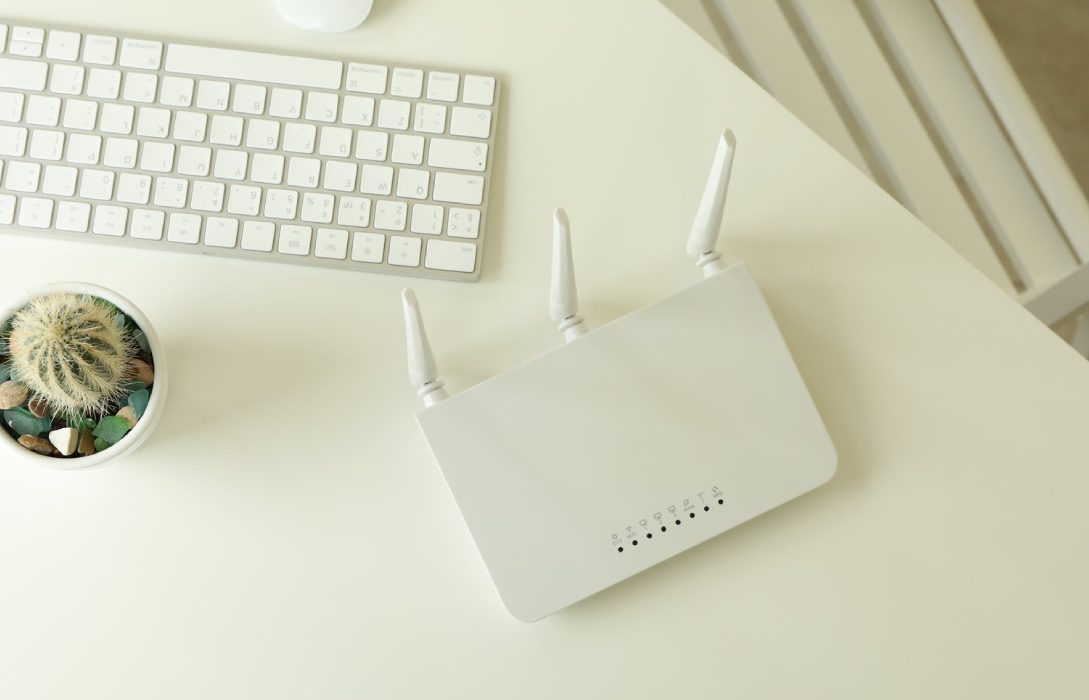
Your router is the gateway to your home network, making it a primary target for hackers. Properly configuring router security settings is essential for protecting your devices, personal data, and internet performance.
1. Why Router Security Matters
Routers manage all traffic between your devices and the internet. If compromised, hackers can:
- Access sensitive personal data like passwords and banking information
- Monitor your online activity
- Introduce malware into your network
- Gain control of smart home devices
Proper router security ensures your network remains safe, private, and reliable.
2. Change Default Router Credentials
- Routers come with default username and password combinations
- These are widely known and can be exploited easily
- Create a unique, strong admin password
- Regularly update credentials to maintain security
3. Enable Strong WiFi Encryption
- Use WPA3 if available, or WPA2 with AES encryption
- Avoid WEP or WPA with TKIP, as they are easily compromised
- Encryption ensures your WiFi traffic cannot be easily intercepted
4. Hide Your SSID
- Hiding your network name (SSID) makes it less visible to outsiders
- Devices can still connect if they know the exact network name
- Hiding SSID adds an extra layer of obscurity
5. Disable WPS (WiFi Protected Setup)
- WPS simplifies device connection but can be exploited by hackers
- Turn off WPS in your router settings
- Connect devices manually using strong passwords
6. Enable Router Firewall
- Firewalls monitor and control incoming/outgoing traffic
- Most routers include a built-in firewall
- Enable it to block unauthorized access and suspicious connections
7. Update Router Firmware Regularly
- Firmware updates fix security vulnerabilities and bugs
- Enable automatic updates if supported
- Check your router manufacturer’s website regularly for updates
8. Disable Remote Management
- Remote management allows router access from the internet
- Unless necessary, disable this feature
- Prevents hackers from tampering with settings remotely
9. Use Guest Networks
- Keep visitors or IoT devices on a separate network
- Limits access to your main network and sensitive devices
- Assign a strong password for the guest network
10. Monitor Connected Devices
- Regularly check the list of devices connected to your network
- Identify and remove unknown or suspicious devices
- Helps prevent unauthorized access and bandwidth theft
11. Set Up Network Alerts
- Some routers allow alerts for new connections or unusual activity
- Immediate notifications help you act quickly against threats
12. Use VPN on Your Router
- Adds encrypted protection for all devices
- Especially useful for IoT devices that do not support VPN apps individually
- Enhances privacy and security across your network
13. Enable MAC Address Filtering
- Allows only approved devices to connect
- Adds an extra layer of protection, though it is not foolproof
- Combine with other security measures for best results
14. Backup Router Settings
- Regularly back up your configuration
- Allows quick restoration after firmware updates or security incidents
- Prevents loss of custom settings
15. Conclusion
Router security is the foundation of a safe and reliable home network. Key practices include:
- Changing default credentials and enabling strong WiFi encryption
- Keeping firmware updated and disabling unnecessary features
- Monitoring connected devices and setting up firewalls and alerts
- Using guest networks and VPNs for additional protection
By properly configuring router security settings, you ensure your home network, devices, and personal data remain secure, while maintaining optimal performance.
Visited 2 times, 1 visit(s) today