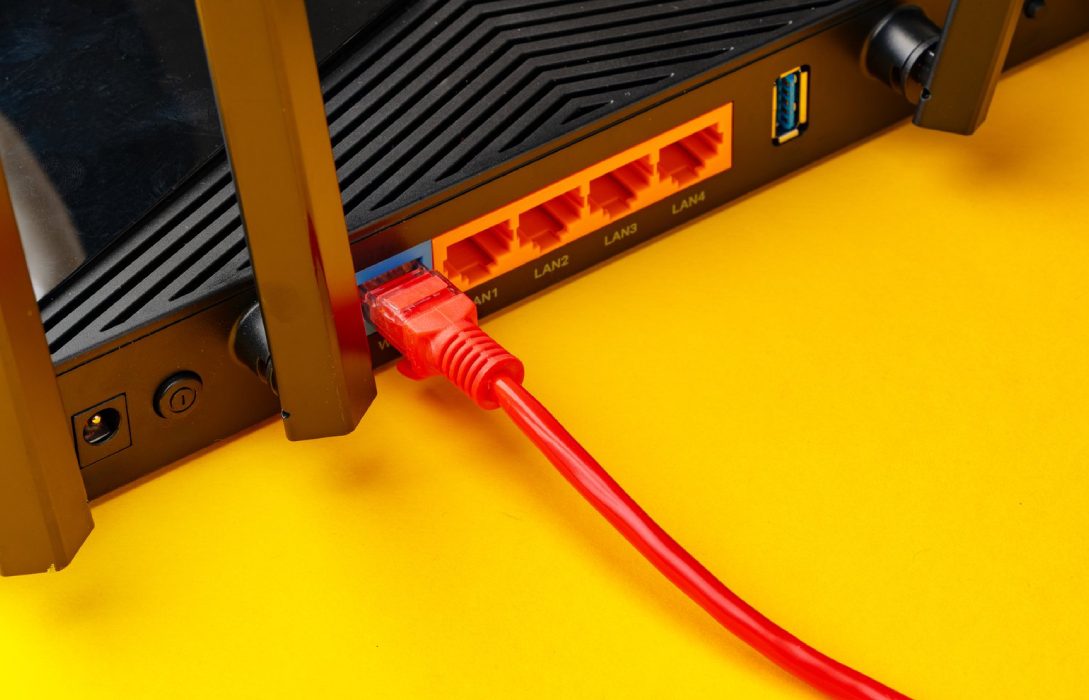
Routers, like any smart device, rely on firmware to function properly. Firmware is the software that controls your router’s operations, including WiFi performance, security, and stability. Updating router firmware can improve internet speed, fix bugs, and unlock new features. Here’s a complete guide.
1. What Is Router Firmware?
- Firmware is the built-in software on your router
- Manages connections, security protocols, and traffic handling
- Manufacturer releases updates to improve performance or fix vulnerabilities
Outdated firmware can limit your router’s capabilities and slow down your network.
2. Why Updating Firmware Matters
- Enhanced Performance: Speed improvements, better WiFi stability
- Security Fixes: Protects against vulnerabilities and hacking attempts
- New Features: Access new functions like QoS enhancements or mesh network support
- Bug Fixes: Resolves glitches causing slow internet, dropped connections, or interference
3. How to Check Your Router Firmware Version
- Log in to your router’s web interface via its IP address (commonly
192.168.0.1or192.168.1.1) - Navigate to About, Firmware, or System Info section
- Compare the current version with the latest version on the manufacturer’s website
4. Backup Router Settings
- Before updating, save your router configuration
- Allows you to restore settings if something goes wrong
- Most routers have an export settings option
5. Methods to Update Router Firmware
Automatic Updates
- Some modern routers automatically download and install updates
- Simplest method, requires minimal effort
Manual Updates
- Download the firmware from the official manufacturer’s website
- Log in to router settings → Firmware Update section → Upload new file
- Follow on-screen instructions carefully
6. Precautions During Firmware Update
- Ensure power is stable; interruptions can damage the router
- Do not disconnect devices while updating
- Avoid using a WiFi connection for updates; use wired Ethernet for reliability
7. Post-Update Steps
- Reboot the router if required
- Verify WiFi name, password, and other settings are intact
- Test internet speed to confirm improved performance
8. Benefits of Firmware Updates for Speed
- Optimized Traffic Handling: Better prioritization of devices and apps
- Improved Stability: Reduces dropped connections and network lag
- Enhanced Compatibility: Works better with newer devices and WiFi standards
- Advanced Features: Enable QoS, beamforming, MU-MIMO, or mesh networking
9. Frequency of Updates
- Check for updates every 3–6 months or as recommended by the manufacturer
- Automatic updates simplify maintenance
- Regular updates keep your network secure and fast
10. Additional Tips
- Combine firmware updates with router placement optimization for maximum benefit
- Use speed test tools before and after updates to measure improvement
- Stay informed about critical security updates from your router’s manufacturer
Conclusion
Updating your router firmware is a simple yet essential task to maintain optimal internet speed, security, and stability. Key points:
- Firmware controls your router’s functions and performance
- Updates provide speed improvements, security patches, and new features
- Backup settings before updating and follow precautions carefully
Regular firmware updates ensure your network remains fast, reliable, and secure, giving you the best possible internet experience for gaming, streaming, remote work, and daily browsing.
Visited 2 times, 1 visit(s) today