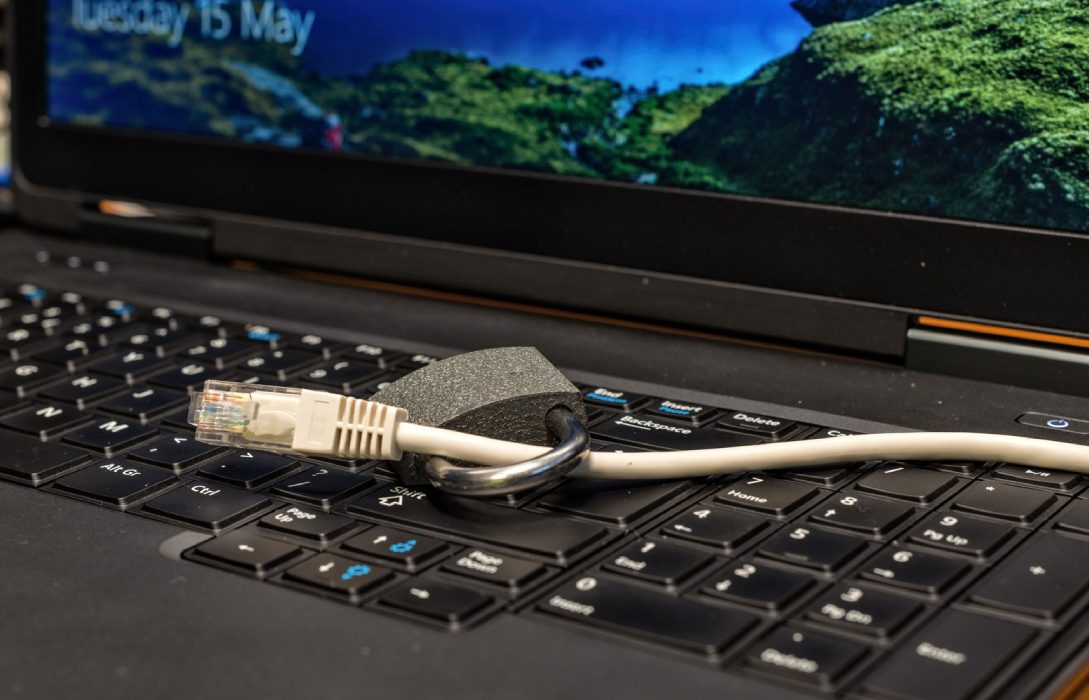
WiFi is convenient, but for maximum speed and stability, nothing beats a wired Ethernet connection. Whether for gaming, streaming, or working from home, using Ethernet can significantly improve internet performance. Here’s a detailed guide.
1. Why Ethernet Is Faster Than WiFi
- WiFi signals are subject to interference from walls, devices, and distance
- Ethernet provides a direct connection to your router
- Consistently delivers higher speeds, lower latency, and more reliability
- Ideal for high-demand applications like 4K streaming, online gaming, and large file transfers
2. Types of Ethernet Cables
- Cat5e: Up to 1 Gbps, suitable for most home uses
- Cat6: Up to 10 Gbps, better for future-proofing and high-speed plans
- Cat6a/Cat7: Up to 10–40 Gbps, used for professional or high-bandwidth setups
- Use quality cables to prevent signal loss and maintain speed
3. Benefits of Using Ethernet
- Stable connection without interference from other devices
- Lower latency for gaming and video calls
- Consistent speeds regardless of distance from the router
- Reduces network congestion on WiFi for other devices
4. How to Connect Devices via Ethernet
- Connect one end of the Ethernet cable to your router or switch
- Connect the other end to your computer, console, or smart TV
- Ensure the network adapter is set to wired connection in device settings
- Verify connection with speed tests
5. Ethernet for Gaming
- Online gaming requires low ping and minimal packet loss
- Wired connection ensures reliable latency and prevents lag
- Even small speed improvements can make a significant difference in competitive gaming
6. Ethernet for Streaming
- 4K and 8K streaming can consume 20–50 Mbps per device
- Ethernet ensures smooth streaming without buffering or dropped frames
- Reduces congestion on WiFi for other devices in the home
7. Ethernet for Remote Work
- Video conferencing and cloud collaboration benefit from stable upload and download speeds
- Wired connections reduce dropouts and connectivity issues during critical calls
8. Combine Ethernet and WiFi
- Use Ethernet for high-priority devices
- Keep WiFi for smartphones, tablets, and casual browsing
- Reduces strain on wireless networks while maximizing performance
9. Consider Ethernet Switches
- For multiple wired devices, use a network switch
- Allows expansion without overloading router ports
- Ensures every device maintains maximum speed
10. Optimize Network Settings
- Enable Gigabit or full-duplex mode on devices if supported
- Ensure your router’s ports support the speed of your internet plan
- Use QoS features if available to prioritize Ethernet-connected devices
11. Benefits Over Time
- Wired connections are future-proof, especially as internet plans increase in speed
- Reduces troubleshooting for WiFi interference
- Provides a reliable baseline for critical devices in your home network
Conclusion
Using Ethernet is one of the simplest ways to maximize internet speed and stability. Key takeaways:
- Provides faster, more reliable connections than WiFi
- Ideal for gaming, streaming, and remote work
- Combine with WiFi for a balanced network
- Future-proofs your network as speeds and device counts increase
For anyone looking to eliminate lag, buffering, or connectivity issues, Ethernet is the ultimate solution for a high-performance home or office network.
Visited 2 times, 1 visit(s) today