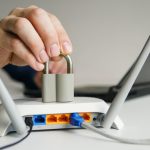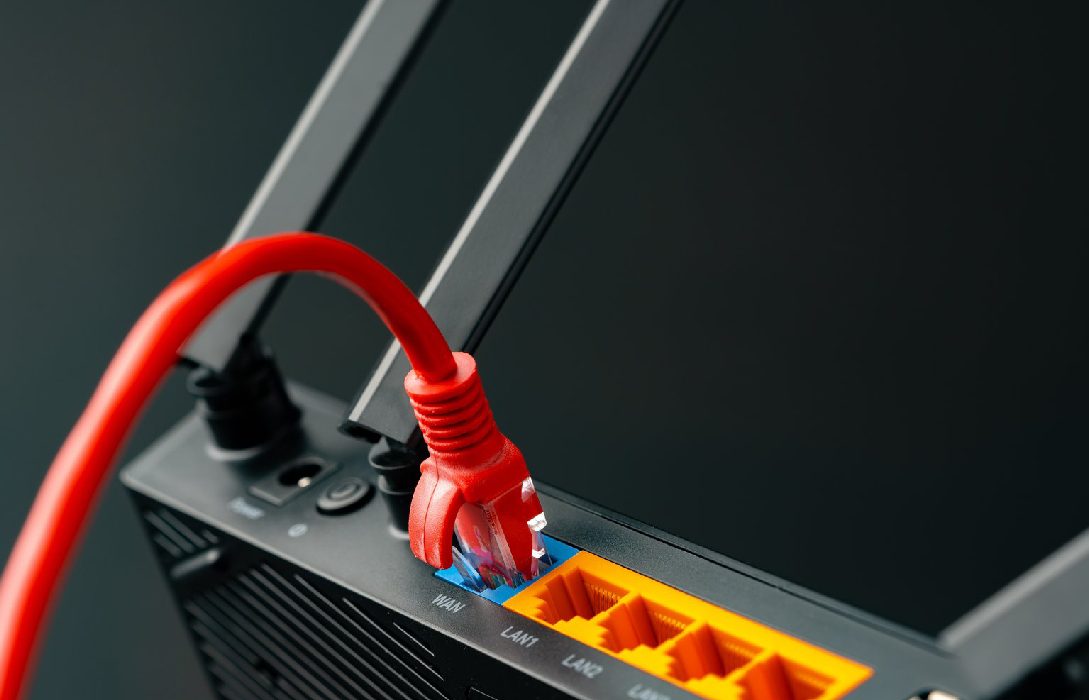
A firewall is a critical layer of security for your home network. It monitors and controls incoming and outgoing traffic, protecting your devices from unauthorized access, malware, and cyberattacks. Properly setting up a firewall ensures your network is secure and resilient against potential threats.
1. What Is a Firewall?
A firewall is a security system that acts as a barrier between your home network and the internet. It:
- Blocks unauthorized access from external sources
- Monitors traffic to prevent malicious activity
- Helps prevent malware infections and data breaches
Firewalls can be hardware-based, built into your router, or software-based, installed on individual devices.
2. Benefits of a Home Network Firewall
- Enhanced Security: Protects your devices from hackers
- Data Privacy: Prevents unauthorized access to personal information
- Network Control: Allows you to block specific websites or applications
- Traffic Monitoring: Detects suspicious activity and alerts you
3. Types of Firewalls for Home Use
a. Hardware Firewalls
- Built into most modern routers
- Monitors traffic at the network level
- Protects all devices connected to your network
- Easy to manage through router settings
b. Software Firewalls
- Installed on individual devices like computers or smartphones
- Monitors outgoing and incoming traffic for that device
- Can be used in addition to a hardware firewall for extra protection
c. Cloud-Based Firewalls
- Managed by third-party services
- Provides protection against advanced threats
- Ideal for smart homes with multiple IoT devices
4. Enabling Your Router Firewall
Most routers have a built-in firewall that can be enabled through the admin panel:
- Log into your router’s admin interface
- Navigate to Security or Firewall Settings
- Enable the firewall if it’s not already active
- Save changes and restart the router
5. Configure Firewall Rules
- Block specific IP addresses or ranges to prevent unwanted access
- Set up port forwarding carefully to allow legitimate services without exposing vulnerabilities
- Restrict access to certain devices if needed
- Many routers offer predefined security levels for ease of use
6. Enable Intrusion Detection and Prevention
- Advanced routers provide IDS/IPS features
- Monitors suspicious traffic patterns
- Automatically blocks malicious attempts
- Provides an extra layer of protection beyond standard firewalls
7. Protect Smart Devices with Firewall Settings
- IoT devices like smart cameras and thermostats can be vulnerable
- Place smart devices on a separate VLAN or guest network
- Apply firewall rules to control internet access for these devices
8. Keep Firmware Updated
- Firewall effectiveness depends on router firmware
- Regular updates patch vulnerabilities and improve security
- Check for updates monthly or enable automatic updates if available
9. Combine Firewall with Other Security Measures
- Use strong WiFi passwords and WPA3 encryption
- Disable unnecessary services like remote management or WPS
- Run antivirus and anti-malware software on devices
- Regularly monitor connected devices for anomalies
10. Test Your Firewall
- Use online tools to check if your network ports are secure
- Simulate potential attacks to verify firewall effectiveness
- Make adjustments if any vulnerabilities are detected
Conclusion
A properly configured firewall is essential for securing your home network. Key steps include:
- Enabling and configuring the router’s built-in firewall
- Using software firewalls on devices for additional protection
- Monitoring traffic and applying rules for devices and applications
- Updating firmware and combining with strong passwords and encryption
By implementing these measures, your home network becomes resilient against hackers, malware, and unauthorized access, keeping your data and devices safe.