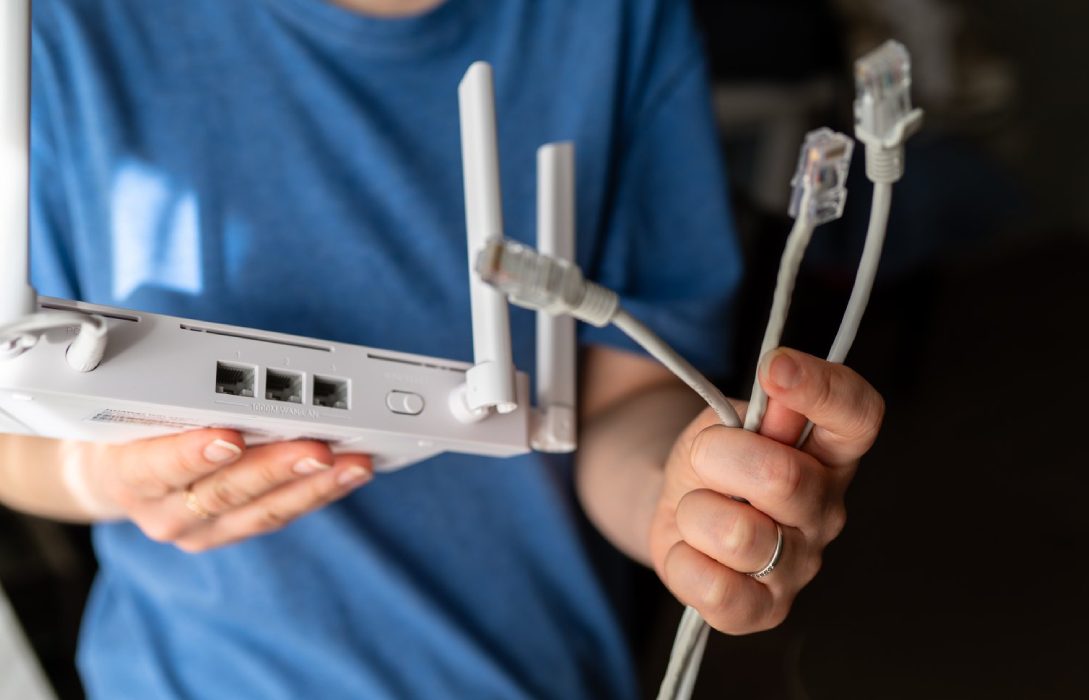
Your router is the gateway to your home network. If compromised, hackers can access your personal data, spy on your activities, and even infiltrate connected devices. Protecting your router is essential to maintain a secure and reliable network.
1. Why Routers Are a Target
Routers manage all data entering and leaving your home network. Hackers target routers to:
- Steal personal and financial information
- Intercept communications
- Redirect internet traffic to malicious sites
- Install malware on connected devices
Even a single weak router can compromise your entire network.
2. Change Default Credentials
- Routers come with default usernames and passwords
- Hackers often know these defaults and can access your device easily
- Change credentials to a strong, unique password as soon as you set up your router
3. Keep Firmware Updated
- Router manufacturers release firmware updates to patch security vulnerabilities
- Access your router’s admin panel to check for updates regularly
- Updated firmware protects against known exploits and malware attacks
4. Enable Strong WiFi Encryption
- Use WPA3 if available, or WPA2 with AES
- Avoid WEP or WPA with TKIP, which are easily hacked
- Encryption prevents unauthorized users from accessing your network
5. Disable Remote Management
- Remote management allows access to your router from the internet
- Unless absolutely necessary, disable this feature
- Reduces the risk of external hacking attempts
6. Use a Strong WiFi Password
- Combine letters, numbers, and symbols
- Avoid easily guessable passwords like “password123”
- Change passwords periodically for additional security
7. Turn Off WPS (WiFi Protected Setup)
- WPS can be exploited to gain access to your network
- Disable this feature in your router settings
- Use manual password entry instead
8. Monitor Connected Devices
- Regularly check your router’s device list
- Remove unknown or suspicious devices
- Helps detect unauthorized access quickly
9. Set Up a Guest Network
- Isolate visitors’ devices on a separate network
- Prevents potential compromise of your main network
- Encrypt the guest network with WPA2 or WPA3
10. Use a Firewall
- Most routers have built-in firewalls
- Firewalls monitor incoming and outgoing traffic for suspicious activity
- Consider adding software firewalls on individual devices for extra protection
11. Consider VPN for Your Network
- A VPN encrypts all traffic leaving your router
- Adds another layer of security, protecting sensitive data
- Useful if you handle financial transactions or confidential information at home
12. Physically Secure Your Router
- Place your router in a safe location
- Prevent unauthorized physical access to reset buttons or network ports
13. Educate Household Members
- Ensure family members avoid suspicious links or downloads
- Teach them the importance of strong passwords and security updates
- Awareness reduces the risk of accidental breaches
Conclusion
Protecting your router is critical for a safe and reliable home network. Key strategies include:
- Changing default credentials
- Updating firmware regularly
- Using strong encryption and passwords
- Disabling remote management and WPS
- Monitoring devices and using guest networks
By implementing these measures, your router will be resistant to hackers, keeping your home network and personal data secure.
Visited 2 times, 1 visit(s) today