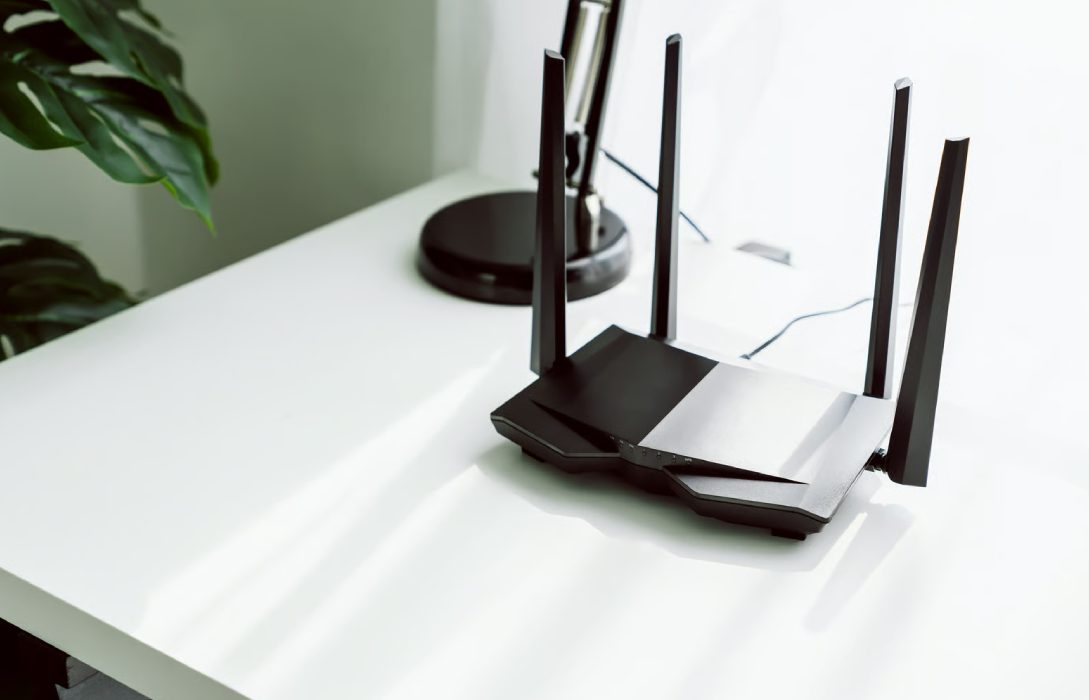
Choosing the right router is essential for a fast, reliable, and secure home network. With countless options, specifications, and features, finding the best router can feel overwhelming. This guide provides a step-by-step approach to selecting the perfect router for your home or office.
Step 1: Determine Your Internet Needs
- Internet speed: Match the router’s maximum speed with your ISP plan
- Number of devices: Smartphones, laptops, tablets, smart TVs, gaming consoles, and IoT devices
- Usage type: Streaming, gaming, remote work, casual browsing, or a mix
- Home size: Small apartments, medium homes, or large multi-story houses
Tip: Understanding your network requirements ensures you don’t overspend on unnecessary features or buy a router that can’t handle your needs.
Step 2: Choose the Right WiFi Standard
- WiFi 5 (802.11ac): Suitable for basic home use and small networks
- WiFi 6 (802.11ax): Ideal for multiple devices, faster speeds, and modern homes
- WiFi 6E: Adds a 6 GHz band for ultra-fast speeds and low interference
Tip: For future-proofing, WiFi 6 or 6E routers are the best investment.
Step 3: Consider Frequency Bands
- Single-Band: Only 2.4 GHz, limited speed, good for small spaces
- Dual-Band: 2.4 GHz + 5 GHz, better performance, reduces interference
- Tri-Band: Adds a second 5 GHz band or 6 GHz band for more devices and higher performance
Tip: Dual- or tri-band routers are ideal for homes with multiple devices or heavy internet use.
Step 4: Coverage Area and Antennas
- Coverage: Check manufacturer specifications for square footage
- Antennas: High-gain or external antennas improve signal range
- Mesh systems: Recommended for large homes or multi-story buildings
Tip: Proper coverage ensures no dead zones and consistent speeds in every corner of your home.
Step 5: Wired Connectivity Options
- Ethernet ports: Gigabit ports for wired connections to PCs, consoles, or smart TVs
- Port count: More devices need more ports
- Link aggregation: Combines multiple ports for higher speed and reliability
Tip: Wired connections provide lower latency and higher stability, especially for gaming and streaming.
Step 6: Security Features
- Encryption: WPA2 or WPA3
- Guest networks: Isolate visitor devices from your main network
- Parental controls: Manage children’s internet access
- Automatic firmware updates: Keep your network secure without manual intervention
Tip: Strong security features protect your devices and sensitive data from hackers.
Step 7: Performance and Features
- MU-MIMO: Handles multiple devices simultaneously
- QoS (Quality of Service): Prioritizes bandwidth for gaming, streaming, or work
- Beamforming: Focuses WiFi signals toward connected devices
- App management: Easy network monitoring and configuration
Tip: Advanced features ensure consistent speeds and reliability for all connected devices.
Step 8: Budget Considerations
- Budget routers: Suitable for small homes, casual browsing, and light streaming
- Mid-range routers: Ideal for medium-sized homes with multiple devices
- High-end routers: Best for large homes, heavy streaming, gaming, or tech enthusiasts
Tip: Match the router price with your home size, usage needs, and device load.
Step 9: Reviews and Recommendations
- Check user reviews for real-world performance
- Look for routers recommended by tech websites or experts
- Consider brand reliability and customer support
Tip: Reviews help validate manufacturer claims and avoid disappointing purchases.
Step 10: Future-Proofing
- WiFi 6/6E routers handle more devices and faster speeds
- Mesh-capable routers can expand coverage as needed
- Support for smart home devices ensures compatibility with IoT products
Tip: Investing in a future-ready router prevents frequent replacements as technology evolves.
Conclusion
A well-chosen router optimizes speed, coverage, and reliability, providing smooth streaming, gaming, and remote work. By evaluating internet needs, WiFi standards, bands, coverage, security, performance features, and budget, you can select the perfect router for your home or office.
Careful selection ensures that your network is secure, future-proof, and capable of handling all your connected devices efficiently, making it a cornerstone of modern home connectivity.