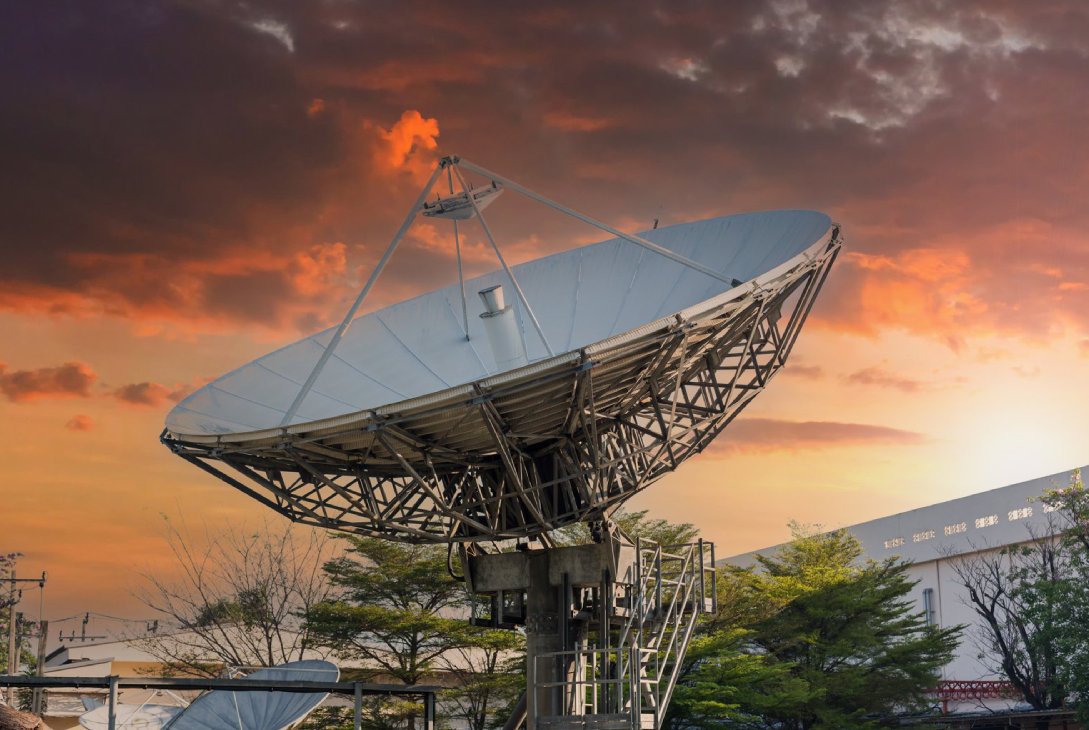
Satellite internet provides a valuable solution for connecting homes and businesses in remote and rural areas. However, understanding the costs associated with satellite internet is essential before subscribing. These costs go beyond monthly subscription fees and include equipment, installation, data plans, and potential overages.
This guide breaks down satellite internet costs, compares them with other internet types, and offers tips to get the best value for your money.
Components of Satellite Internet Costs
Satellite internet costs can be divided into several categories:
1. Hardware Costs
- Satellite Dish: The primary component for communication with satellites.
- Modem/Router: Connects the dish to your devices. Some providers bundle this with the dish.
- Mounting Equipment: Poles, brackets, and safety gear for installation.
Typical Hardware Costs: $400–$600 for consumer-grade systems (LEO satellites may offer lower-cost self-install kits).
2. Installation Costs
- Professional Installation: $100–$300 depending on the complexity of setup and location.
- Self-Installation: Minimal cost for tools and mounting accessories; LEO satellite kits are often designed for DIY setup.
3. Monthly Subscription Plans
Satellite providers charge monthly fees based on speed, data limits, and type of satellite network:
| Provider | Plan Cost (per month) | Download Speed | Upload Speed | Data Limits |
|---|---|---|---|---|
| Starlink | $70–$110 | 50–250 Mbps | 20–40 Mbps | Unlimited |
| HughesNet | $65–$150 | Up to 25 Mbps | 3–5 Mbps | 10–50 GB |
| Viasat | $50–$150 | 35–100 Mbps | 3–20 Mbps | 12–150 GB |
| OneWeb | Contact Provider | 50–200 Mbps | 20–50 Mbps | Varies |
Note: LEO satellites like Starlink provide unlimited or high-capacity plans, making them cost-effective for heavy users.
4. Data Overages
- Some GEO satellite plans charge extra when data limits are exceeded.
- Overages can cost $10–$50 per 10–50 GB depending on the provider.
- Unlimited plans (LEO satellites) avoid this concern.
5. Maintenance and Replacement
- Hardware may require occasional maintenance or replacement.
- Dish misalignment or damage can require technician visits or equipment upgrades.
Factors Affecting Satellite Internet Costs
1. Type of Satellite
- GEO Satellites: Lower speeds, smaller upfront hardware costs, potential data caps
- LEO Satellites: Higher speeds, larger upfront hardware costs, mostly unlimited data
2. Location
- Remote areas may require longer cable runs or specialized mounts, slightly increasing installation costs.
3. Speed Requirements
- Higher-speed plans generally cost more.
- Consider your usage: streaming, gaming, remote work, or light browsing.
4. Number of Users
- Households with multiple users or devices may need higher-speed or unlimited plans.
5. Contract Terms
- Some providers offer discounted rates with long-term contracts.
- Others provide month-to-month flexibility but at slightly higher costs.
Comparing Satellite Costs with Other Internet Types
| Internet Type | Typical Monthly Cost | Average Speed | Availability |
|---|---|---|---|
| Fiber | $50–$200 | 1–10 Gbps | Urban/suburban areas |
| Cable | $40–150 | 100–1000 Mbps | Urban/suburban areas |
| 5G | $50–100 | 100–1000 Mbps | Urban/suburban areas |
| Satellite | $50–150 | 25–250 Mbps | Rural/remote areas |
Insight:
- Fiber and cable may offer higher speeds at comparable or lower costs in urban areas.
- Satellite is the most practical solution in rural areas, even if monthly fees are slightly higher per Mbps.
Tips for Managing Satellite Internet Costs
1. Choose the Right Plan
- Estimate your household or business needs.
- Avoid paying for excessive speeds or data you don’t require.
2. Consider LEO Satellites
- Unlimited or high-capacity plans reduce costs associated with overages.
- Modern LEO systems may have lower long-term costs due to fewer restrictions.
3. Self-Install if Possible
- Saves on professional installation fees.
- LEO satellite kits are often designed for easy DIY setup.
4. Optimize Data Usage
- Schedule large downloads or backups during off-peak hours.
- Use data-saving settings for streaming platforms.
5. Compare Providers
- Check coverage, speed, data limits, and monthly fees.
- Look for special promotions, subsidies, or rural connectivity programs.
Cost vs Value Consideration
While satellite internet may seem expensive compared to urban broadband, it provides access where no alternatives exist. For rural users:
- Internet access enables remote work, education, telehealth, and communication.
- LEO satellite plans with unlimited data are often the best value for heavy internet users.
- Reliable installation and maintenance minimize downtime and maximize return on investment.
Conclusion
Satellite internet costs vary depending on satellite type, provider, speed, data limits, and installation. While GEO satellites may be cheaper initially, they often come with slower speeds and high latency. LEO satellites like Starlink offer higher speeds, lower latency, and mostly unlimited data, making them cost-effective for rural or remote users.
By understanding the components of satellite internet costs and carefully selecting plans, users can maximize value while enjoying reliable connectivity in areas where fiber, cable, or 5G are unavailable. Proper planning, equipment, and usage management ensure a smooth and affordable satellite internet experience.