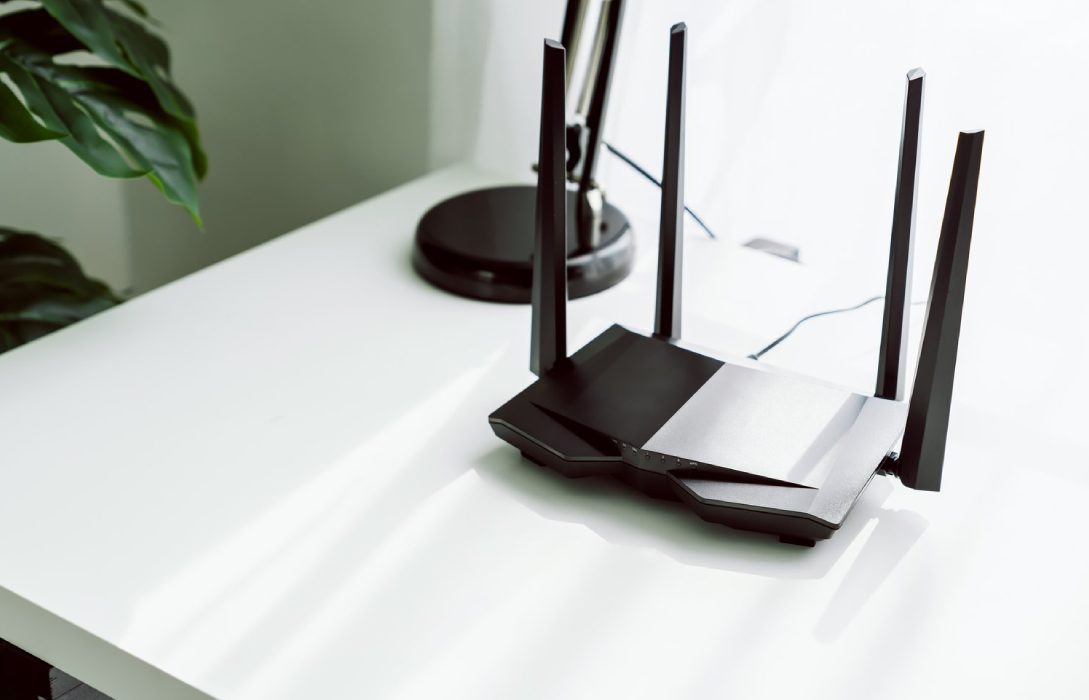
A home WiFi network is only as strong as the router powering it. Choosing the right router is crucial for reliable coverage, fast speeds, and support for multiple devices. With options ranging from budget models to advanced WiFi 6 and 7 routers, it can be overwhelming to make the best choice.
This guide will help you understand router features, performance factors, and selection tips so you can pick the perfect router for your home.
Step 1: Understand Your Internet Needs
Before choosing a router, consider how you use the internet:
- Basic Browsing & Streaming: Email, social media, and HD video
- Gaming & 4K/8K Streaming: Low latency and high-speed connections
- Smart Home Devices: Support for multiple IoT devices
- Remote Work or Home Office: Reliable connections for video calls, VPNs, and cloud applications
Your usage will determine the router specifications you need.
Step 2: Consider the WiFi Standards
Routers support different WiFi standards, which affect speed, range, and compatibility:
- WiFi 5 (802.11ac): Good for basic streaming and browsing
- WiFi 6 (802.11ax): Faster speeds, better handling of multiple devices, lower latency
- WiFi 6E: Adds 6 GHz band for faster speeds and less interference
- WiFi 7 (upcoming): Ultra-fast speeds, advanced channel utilization, ideal for gaming and high-demand homes
Tip: For modern households with multiple devices, WiFi 6 or WiFi 7 is the recommended choice.
Step 3: Determine the Coverage Area
The size and layout of your home impact router performance:
- Small Homes/Apartments: Standard dual-band router may be sufficient
- Medium to Large Homes: Consider high-powered dual-band or tri-band routers
- Large Homes with Dead Zones: Mesh WiFi systems with multiple nodes ensure seamless coverage
Placement Matters: Central placement reduces dead zones and improves overall performance.
Step 4: Check Router Speed Ratings
Routers are rated with theoretical speeds such as AC1200, AC1750, AX3000, etc.:
- AC/AX number: Combined maximum speed across all bands
- Higher numbers: Faster potential speeds, but actual speeds depend on ISP and device compatibility
Tip: Match the router’s speed rating with your internet plan to avoid bottlenecks.
Step 5: Number of Bands and Antennas
- Dual-Band Routers: 2.4 GHz (long range) + 5 GHz (high speed)
- Tri-Band Routers: Two 5 GHz bands + 2.4 GHz band; ideal for multiple high-demand devices
- Antennas: More antennas often improve signal coverage and stability
Tip: Homes with multiple users streaming or gaming benefit from tri-band routers.
Step 6: Consider Security Features
Modern routers include advanced security options:
- WPA3 Encryption: Strong protection for home networks
- Firewall and Intrusion Detection: Prevents unauthorized access
- Automatic Firmware Updates: Keeps the router protected from vulnerabilities
- Guest Network: Provides secure access for visitors without exposing main devices
Security is especially important for homes with IoT devices and remote work setups.
Step 7: Extra Features to Look For
- Quality of Service (QoS): Prioritizes bandwidth for important applications (gaming, video calls)
- Parental Controls: Manage content access and device usage for kids
- USB Ports: Connect printers, storage, or media servers
- App Management: Easy router setup and monitoring via mobile apps
- Mesh Capability: Expandable network for seamless coverage across large homes
Step 8: Budget Considerations
Router prices vary widely:
- Budget Routers ($50–$100): Basic coverage for small homes, limited advanced features
- Mid-Range Routers ($100–$250): Supports multiple devices, faster speeds, moderate coverage
- High-End Routers ($250+): WiFi 6/7, tri-band, mesh compatibility, advanced security features
Tip: Choose a router that balances cost, coverage, and performance for your household needs.
Step 9: Popular Router Types
1. Traditional Standalone Routers
- Best for small to medium homes
- Easy to set up and manage
2. Mesh WiFi Systems
- Best for large homes or homes with multiple floors
- Provides consistent coverage with multiple nodes
3. Gaming Routers
- Optimized for low latency and high-speed performance
- QoS prioritization for gaming devices
4. Smart Routers
- Built-in integration with IoT devices
- Mobile apps for easy management
Step 10: Tips for Making the Final Choice
- Match router capabilities to your ISP plan to avoid overpaying
- Consider future-proofing with WiFi 6/7 for new devices
- Check compatibility with existing devices and smart home products
- Read reviews and performance tests for real-world insights
- Consider scalability if you plan to expand coverage with mesh nodes
Conclusion
Choosing the right router is a critical step in creating a fast, reliable, and secure home WiFi network. By considering your internet needs, WiFi standards, coverage area, security features, and budget, you can select a router that ensures seamless connectivity for streaming, gaming, remote work, and smart home devices.
Investing in the right router today prevents dead zones, slow speeds, and connectivity issues tomorrow, providing a smooth and enjoyable internet experience for your entire household.